End of support notice: On March 31, 2027, AWS will end support for Amazon WorkSpaces Thin Client. After March 31, 2027, you will no longer be able to access the WorkSpaces Thin Client console or WorkSpaces Thin Client resources. For more information, see Amazon WorkSpaces Thin Client end of support.
Getting to know your WorkSpaces Thin Client device
WorkSpaces Thin Client gives you instant and secure access to your relevant applications and data through AWS End User Computing virtual desktops. To get started using your WorkSpaces Thin Client device, set it up with a keyboard, mouse, and monitor, and connect it to your network.
Let's get started!
Topics
Here is everything that you need for your WorkSpaces Thin Client device
To use WorkSpaces Thin Client, you will need the following:
You should have received this equipment. If you are missing anything on this list, contact your administrator.
Equipment provided
-
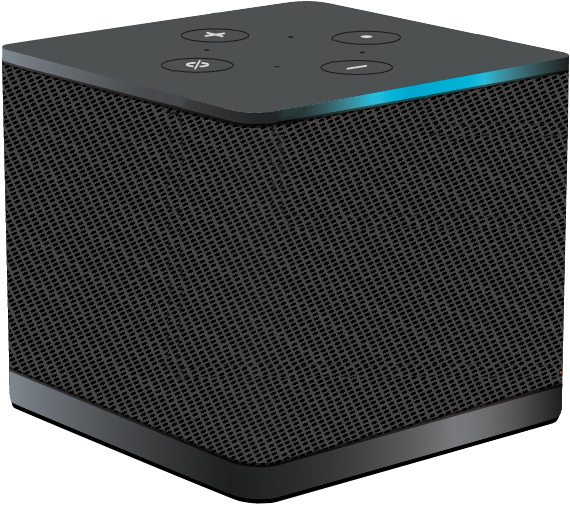
WorkSpaces Thin Client device equipped with one USB-A port, one HDMI-Out port, and one Ethernet port

Required equipment (may not be provided)
-
USB hub that supports USB-A input - connects into the device
-
Keyboard - connects into the USB hub
-
Mouse - connects into the USB hub
-
Monitor - connects into the HDMI-Out port on the WorkSpaces Thin Client device
Optional equipment (not provided)
-
Second Monitor - connects into the HDMI-Out port on the USB hub
-
Webcam - connects into the USB hub
-
Headset - that connects into the USB hub
