End of support notice: On March 31, 2027, AWS will end support for Amazon WorkSpaces Thin Client. After March 31, 2027, you will no longer be able to access the WorkSpaces Thin Client console or WorkSpaces Thin Client resources. For more information, see Amazon WorkSpaces Thin Client end of support.
Your WorkSpaces Thin Client device is ready
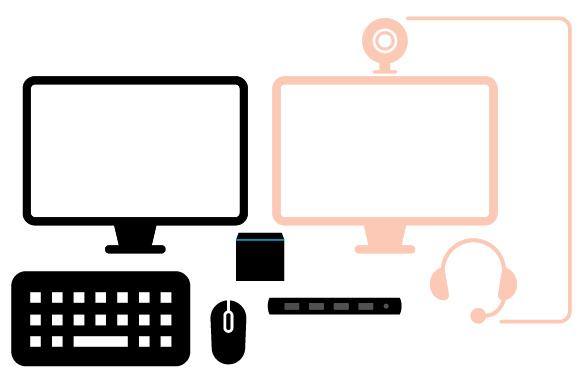
After you connect all of your peripherals, your WorkSpaces Thin Client is ready to be turned on.
Plug in your hub power adapter to a power outlet.
Plug in your WorkSpaces Thin Client power adapter to a power outlet.
Note
Have your password ready if you use Wi-Fi to connect to your network.
You are now ready to set up your WorkSpaces Thin Client service. Go to Setting up your Amazon WorkSpaces Thin Client service.
Note
If you set up two monitors, the primary monitor must be placed on the left side and the secondary monitor on the right side.