Find your Connect Customer instance ID or ARN
When you open a support ticket, you may be asked to provide your Connect Customer instance ID (also called the ARN). Use the following steps to find it.
-
Open the Connect Customer console at https://console.aws.amazon.com/connect/
. On the instances page, choose the instance alias. The instance alias is also your instance name, which appears in your Connect Customer URL. The following image shows the Connect Customer virtual contact center instances page, with a box around the instance alias.

On the Account overview page, in the Distribution settings section, you can see the full instance ARN.
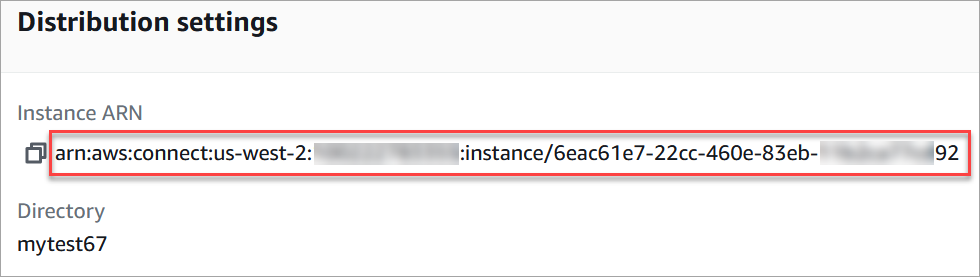
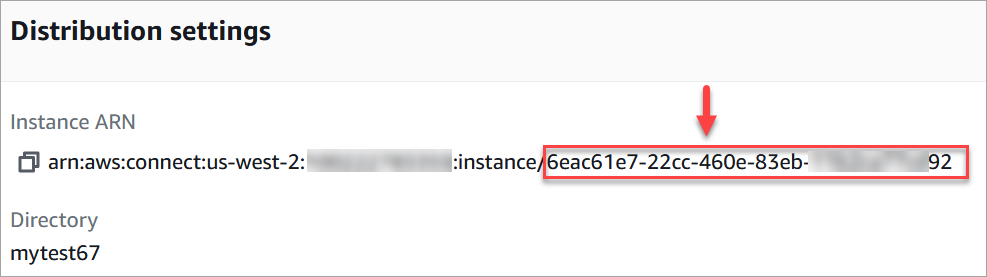
The information after instance/ is the instance ID.
If you don't see your instance listed, double-check that you're looking in the correct Region, as shown in the following image. For a list of supported Regions, see Connect Customer availability by Region.

